HOW TO CHECK TO SEE IF YOU HAVE ALREADY ORDERED A YEARBOOK:
1. Go to yearbookordercenter.com
2. Our school code is 8613 OR search for Westfield Middle School
2. Our school code is 8613 OR search for Westfield Middle School
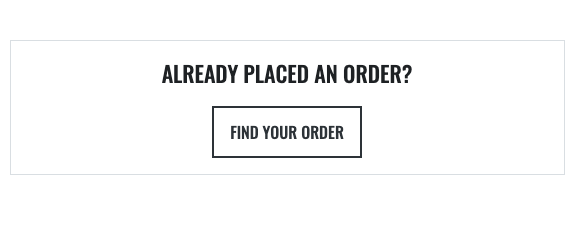
3. On the main page, select "Find your Order" under "Already Placed an order?"
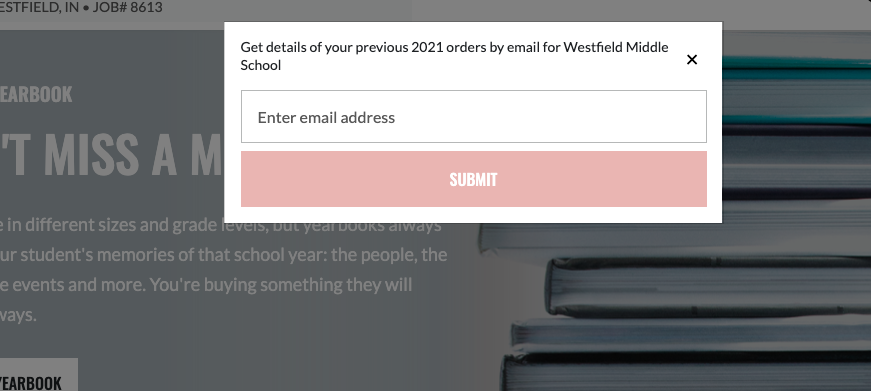
4. A prompt will appear where you can enter your email address to check the order status.
5. It will then prompt you to type in your confirmation number (you would've received this by email) and will then check your order.
If you never received an email confirmation, you will need to contact yearbookordercenter.com.